

ECE DRT
Render image less digitally

Render your image better than normal workflow
Match the color like how your eyes catch with a tweaked aesthetic
Introducing ECE DRT01 | Introduction
D R T - Display Rendering Transform
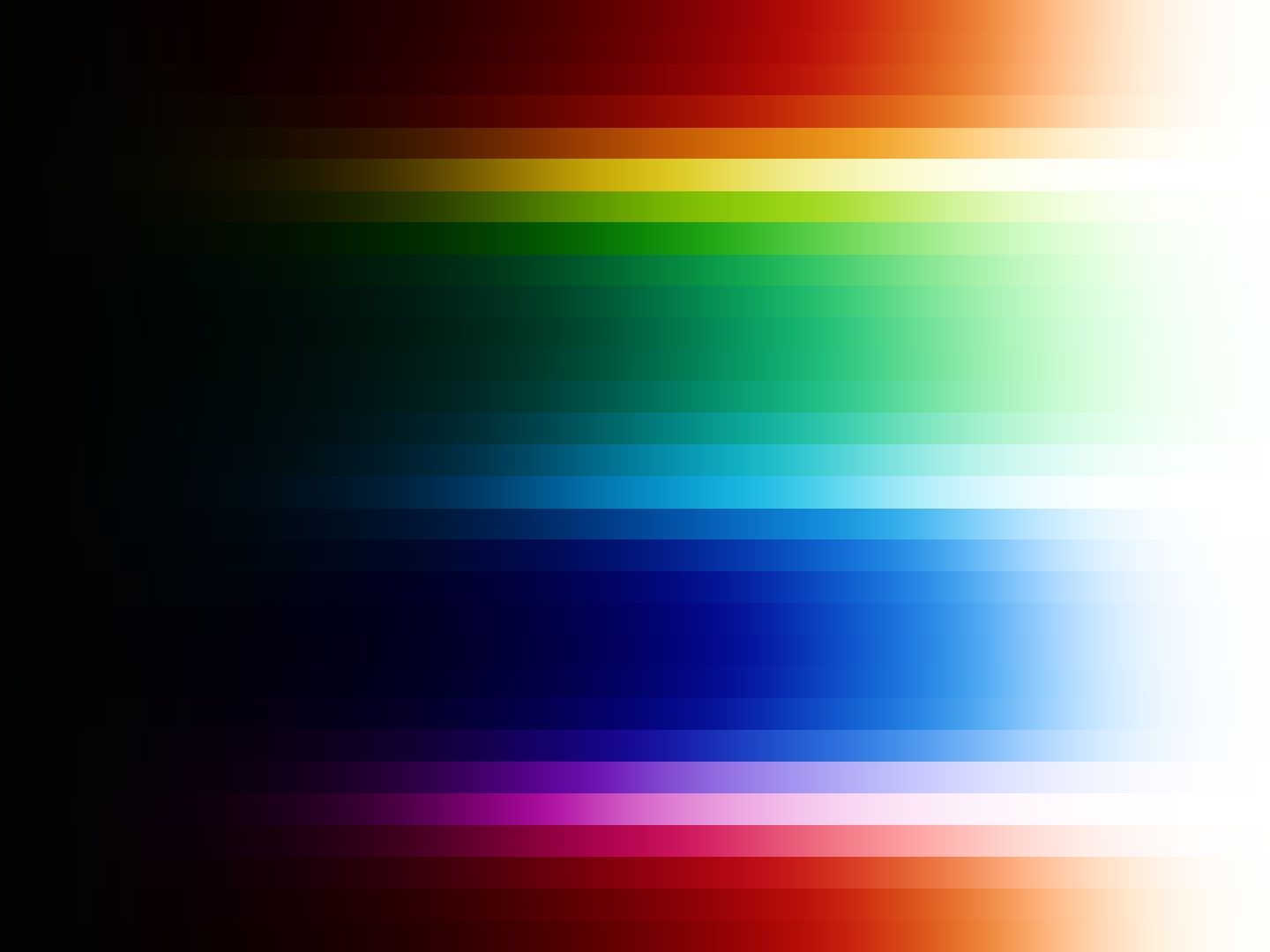
Is the process that turns what the camera captured into the final image you see on your screen. Think of it this way a camera captures a huge world of light and color, but your screen is a much smaller window. A DRT carefully fits that large range of information into the limits of the display without breaking the image. It controls how bright highlights appear, how deep shadows feel, and how colors are reproduced on the screen. A good DRT helps your color grading process produce the best possible image because it determines how the captured data is translated into something that feels natural and visually pleasing. Most cameras, especially at the consumer level, do not always interpret the world the same way our eyes see it. For example, the sky should appear naturally blue, but camera data may sometimes shift slightly toward magenta or other unwanted hues. A well-designed DRT helps correct these differences and preserves important color information. It also handles challenging colors, such as highly saturated neon lights, more gracefully, producing better results than a simple technical conversion like a basic Color Space Transform.
02 | Problem & Solution
ECE DRT OFFERS
A Color Space Transform mainly converts color spaces, while a ECE DRT shapes how the image is rendered on the display. A good DRT can make the image feel less digital by producing smoother highlights and more natural colors. This difference becomes clearer in challenging situations.
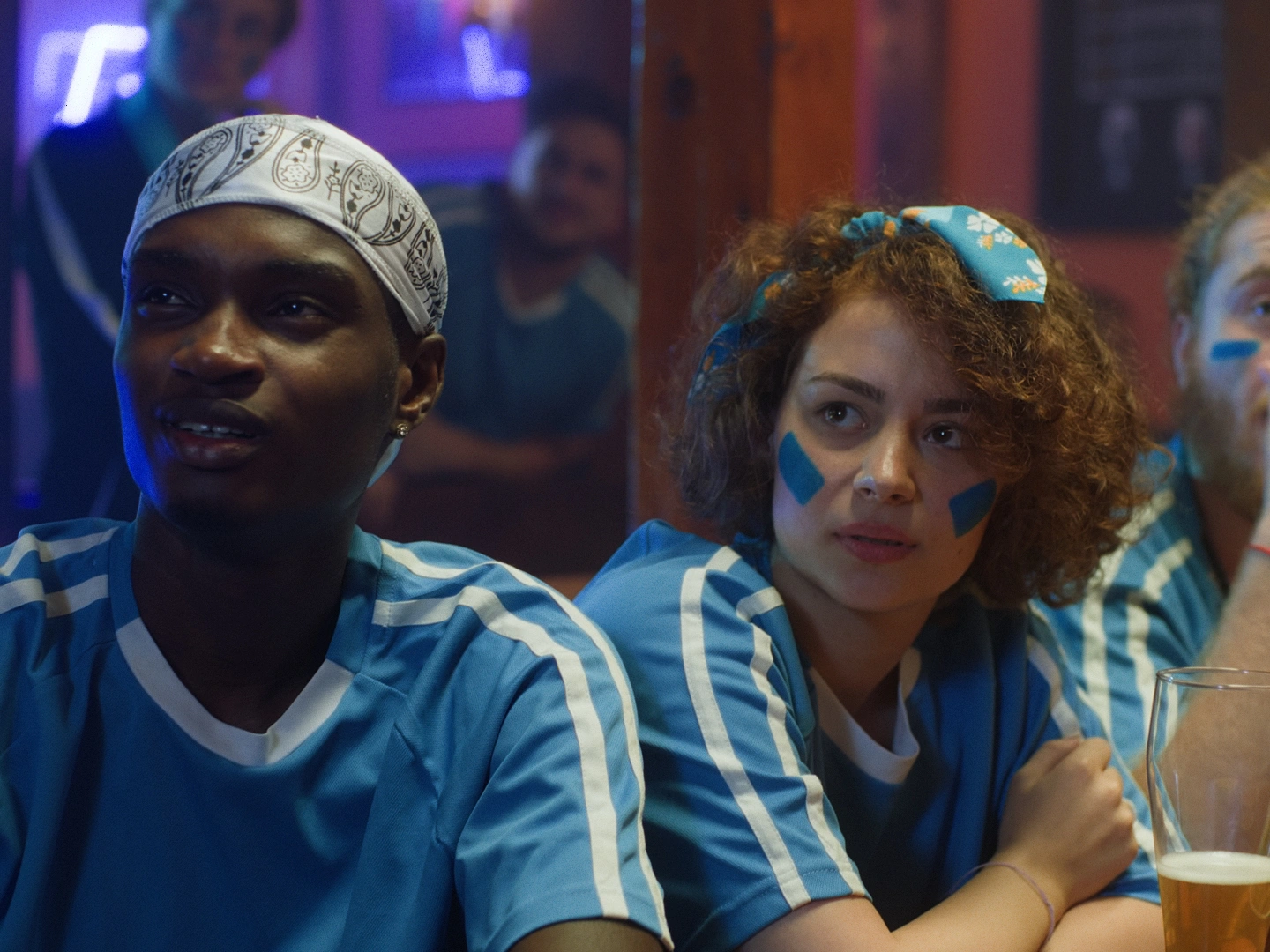
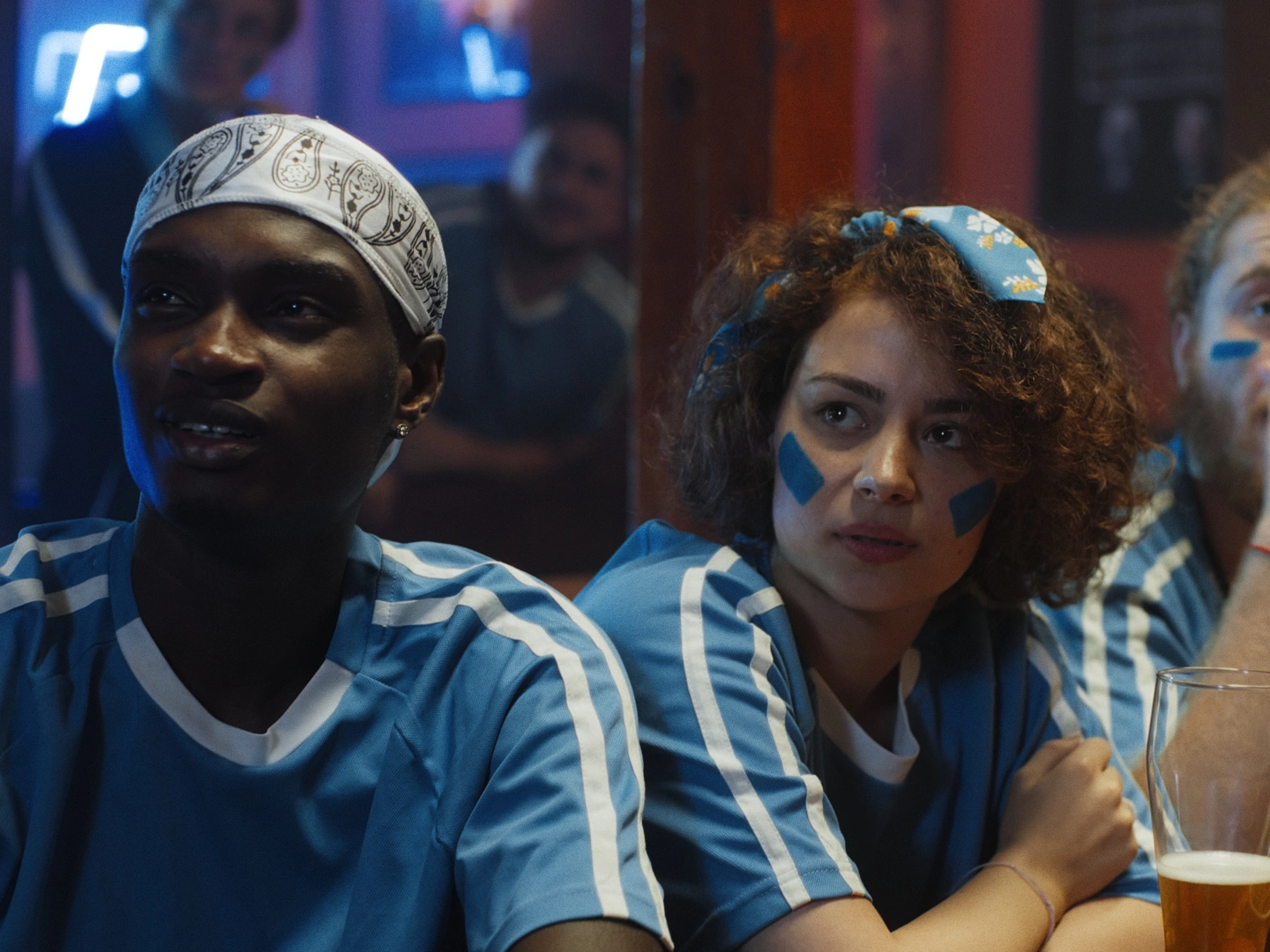
*All image use the same setting without any changes except the DRT itself.
03 | ECE DRT Design
ECE DRT Options
Use the options below to select different images and try mixing the available parameters to see how the image rendering changes. Each adjustment will affect how the colors, and overall image rendered in the preview. By exploring different combinations, you can quickly see how the render responds in different situations and get a better sense of how the image can look under various settings.
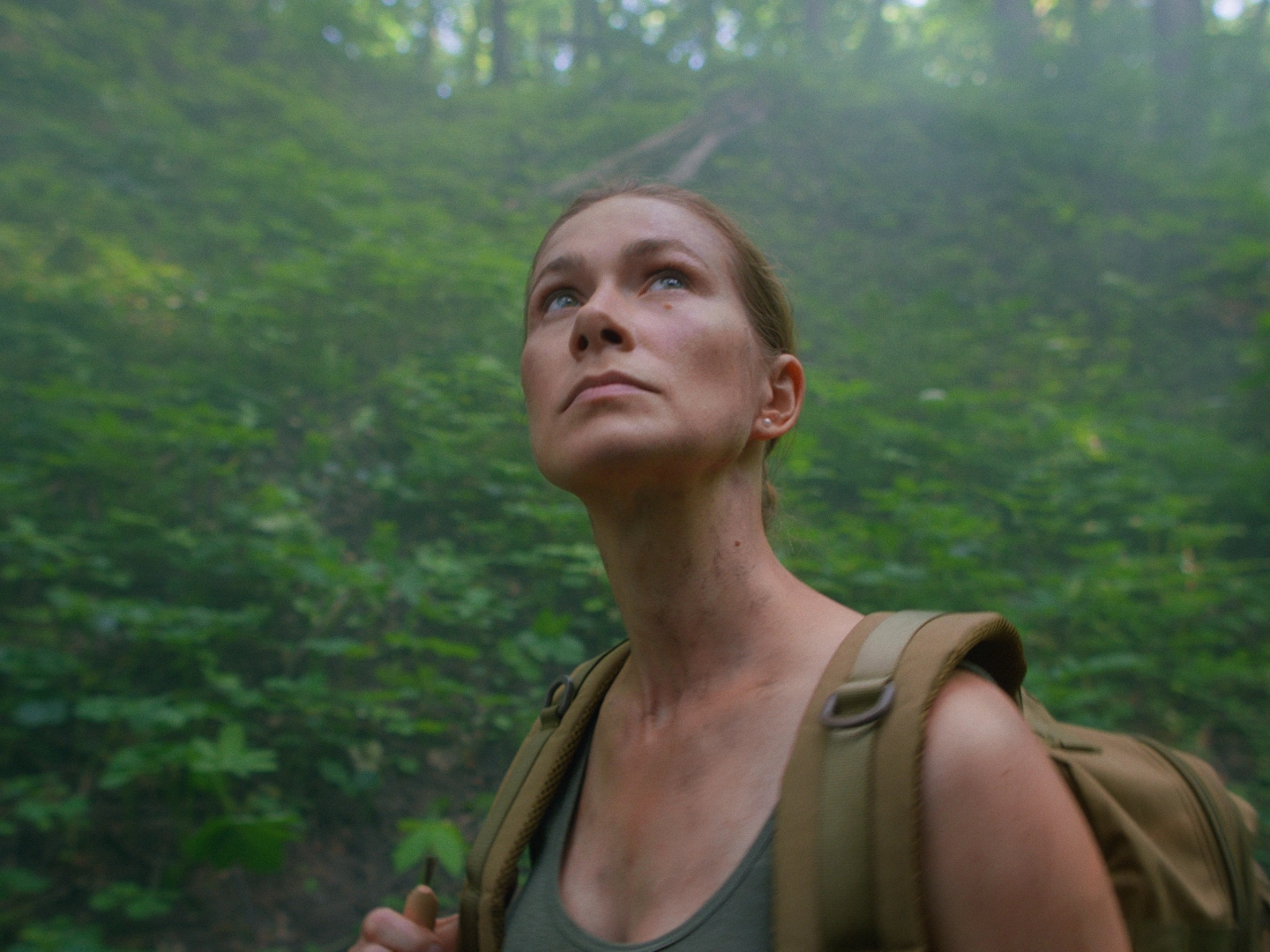
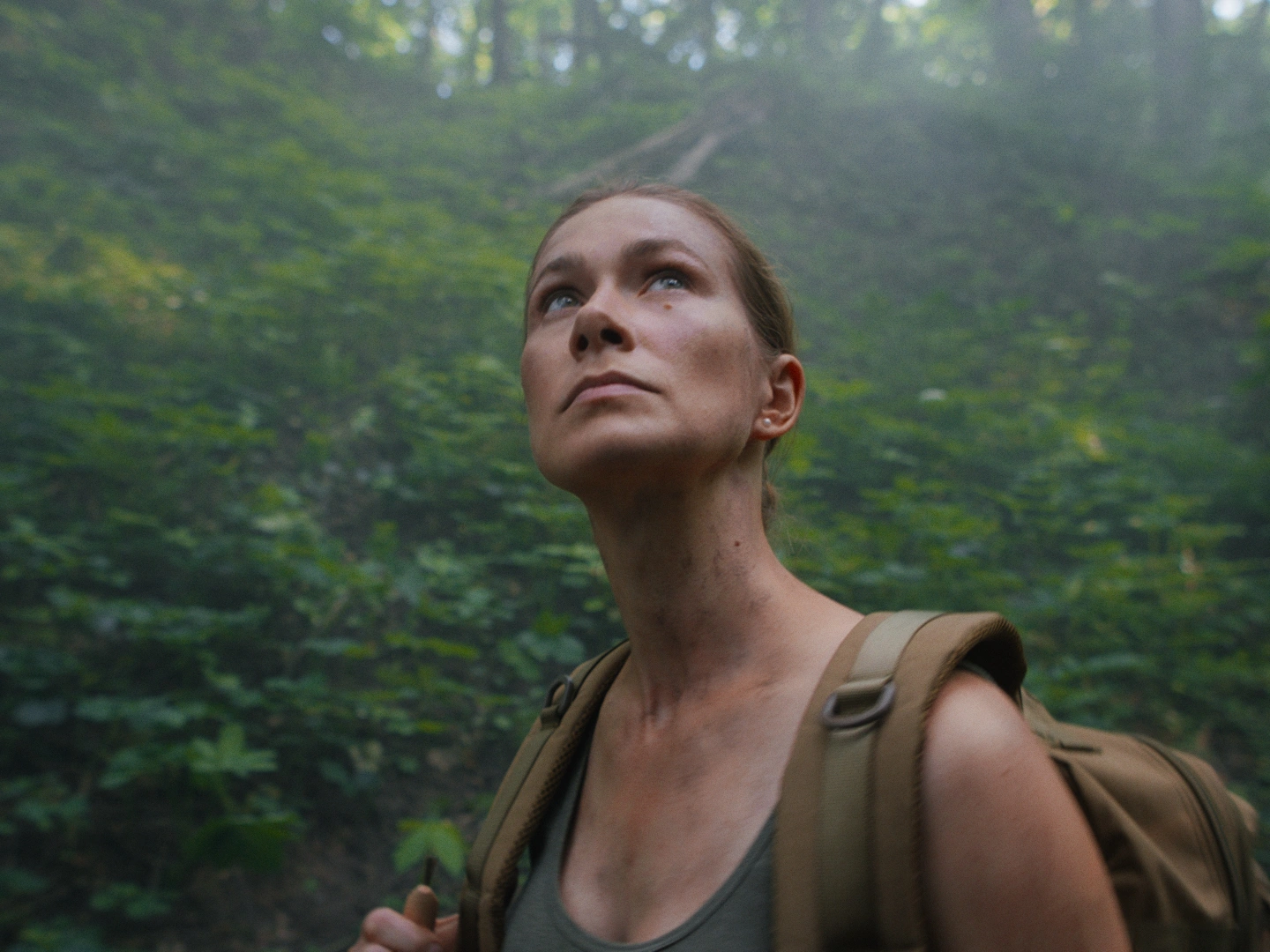
*All image use the same setting without any changes except the DRT itself.
Image Option
Creative Contrast
Here's creative contrast just option for creative control.
Color Render
Each color render profile changes how colors appear, affecting color reproduction, split tones, hue behavior, and saturation in the image.
Tone Curve
An important starting point that defines how the image will look based on contrast, which also influences the overall weight and presence of the colors in the final image.
Creative White Point
Preview-only creative white point adjustment for the ECE DRT side.
03 | ECE DRT Design
ECE DRT Options
Use the options below to select different images and try mixing the available parameters to see how the image rendering changes. Each adjustment will affect how the colors, and overall image rendered in the preview. By exploring different combinations, you can quickly see how the render responds in different situations and get a better sense of how the image can look under various settings.
*All image use the same setting without any changes except the DRT itself.